Diagnose oil carryover, high differential pressure and separator collapse, then verify replacement dimensions and operating conditions.
Introduction
The oil separator in an oil-injected air compressor has a demanding job. It must remove fine oil mist from compressed air while maintaining stable flow and pressure. When the separator begins to fail, the first signs are often higher oil consumption, oil carryover, rising differential pressure, or a visible change in the separator element after removal.
A separator failure is not always caused by the element itself. Incorrect installation, excessive oil level, contamination, high operating temperature, a blocked oil return line, or a replacement with the wrong dimensions can produce the same symptoms. Replacing the element without finding the underlying cause may lead to a repeat failure.
This guide outlines the common symptoms, possible causes, diagnostic checks, and information that should be confirmed before ordering a replacement.
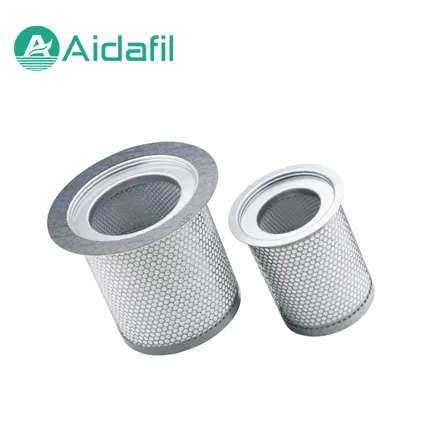
How the Oil Separator Works
In an oil-injected compressor, oil is used for lubrication, sealing, and cooling. Much of the oil is removed by mechanical separation before the compressed air passes through the final coalescing separator. The separator collects fine droplets, which then drain back to the oil circuit.
The element must handle the required airflow with an acceptable pressure drop. Its media, seals, dimensions, and support structure must suit the compressor model and operating conditions. A separator that is too restrictive can increase pressure loss, while a damaged or incorrectly installed separator can allow oil to leave with the compressed air.
Common Symptoms
Oil Carryover
Oil carryover may appear as visible oil in the air line, oil accumulation in filters or dryers, or a constant need to add oil. A sudden increase in oil consumption should be investigated before the compressor is operated for an extended period.
High Differential Pressure
A rising separator pressure differential can indicate loading, moisture, contamination, or a media restriction. Confirm the gauge or sensor is working and compare the reading with the compressor manufacturer's service criteria.
Separator Collapse or Deformation
A collapsed or distorted separator may indicate excessive differential pressure, incorrect installation, incompatible materials, or a system event such as a blocked return path. The damaged element should be retained for inspection and photographed before disposal.
Oil in the Compressed Air System
Oil may reach downstream equipment even when the separator appears intact. Check the oil return arrangement, operating temperature, oil level, and the condition of related seals and gaskets.
Possible Causes of Failure
Incorrect replacement dimensions or seal arrangement
Separator installed in the wrong orientation
Oil level too high or too low
Contaminated oil or excessive moisture
High operating temperature
Blocked or restricted oil return line
Excessive differential pressure
Damaged housing or sealing surface
Incompatible oil or additive package
Airflow or pressure outside the operating range
The presence of one symptom does not identify the cause. A systematic inspection is more reliable than replacing parts by guesswork.
Diagnostic Sequence
1. Record the Operating Conditions
Note compressor load, discharge pressure, discharge temperature, oil temperature, oil level, and separator differential pressure. Record the values before shutdown and compare them with normal operation.
2. Inspect the Oil Return and Drain Path
Check for a blocked return line, damaged orifice, incorrect routing, or a return line that cannot drain under the actual operating condition. Follow the manufacturer's service instructions for the specific compressor.
3. Check Oil Level and Oil Condition
An overfilled system can increase oil carryover. Contaminated or degraded oil can affect separation and may create deposits. Take an oil sample if the condition is uncertain and follow the recommended maintenance schedule.
4. Review Temperature and Pressure
High temperature can accelerate oil degradation and affect separator performance. Check cooling, ventilation, and oil flow. Verify that pressure readings are accurate and not affected by a faulty gauge or sensor.
5. Inspect the Removed Separator
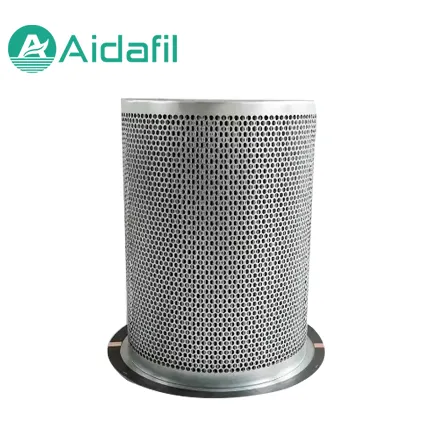
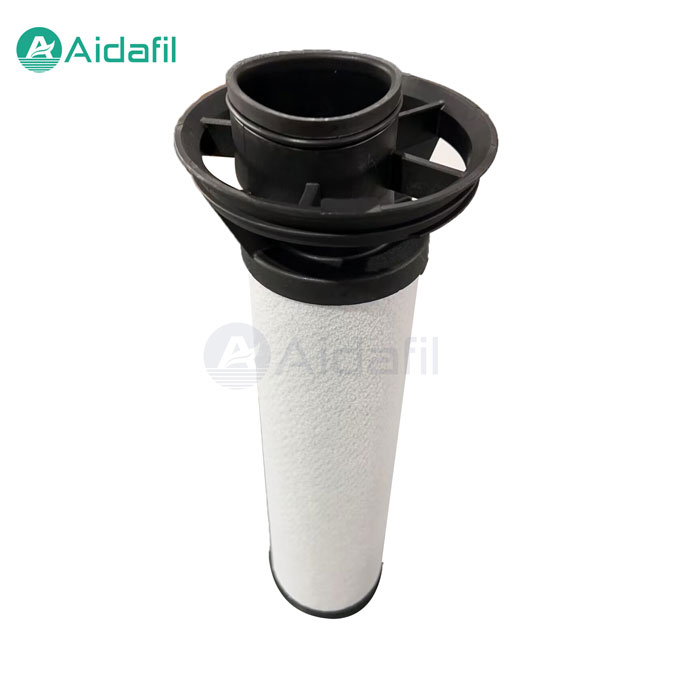
Photograph the element before cleaning. Check the end caps, seals, media, support structure, and any deformation. Compare the dimensions and markings with the replacement specification.
6. Check the Housing and Sealing Surfaces
Inspect the housing for damage, corrosion, blocked passages, and seal contamination. A new separator may not seal correctly if the housing surface is damaged.
Replacement Checks
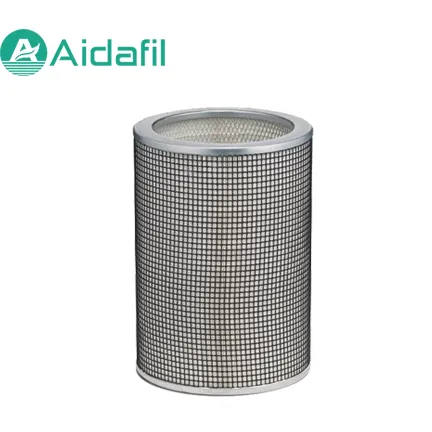
Before installing a replacement separator, confirm the compressor model, separator part number, height, outside diameter, inside diameter, connection details, seal type, and airflow direction. Check whether the element has a top and bottom orientation and whether any gasket or retaining component must be reused or replaced.
Follow the compressor manufacturer's procedure for depressurization, isolation, and torque. Do not operate the compressor until the separator is correctly seated and the system has been checked for leaks.
After replacement, monitor differential pressure, oil consumption, discharge temperature, and oil carryover. If the original symptoms return quickly, stop and investigate the system rather than assuming the new element is defective.
Prevention
Keep the oil at the correct level and use the specified oil type. Maintain the oil return path, replace related filters at the recommended interval, and investigate abnormal temperature or pressure readings promptly. Record separator differential pressure over time so that a gradual restriction can be distinguished from a sudden event.
Store replacement separators in clean, dry conditions and protect the seals and media from damage. Verify the part number and dimensions before installation, especially when the compressor has multiple configurations.